Learn
Analyze the song, understand the progression, create/follow tab, map the fretboard and build a practice plan.
One-time purchase. Built for players. Crafted for tone.
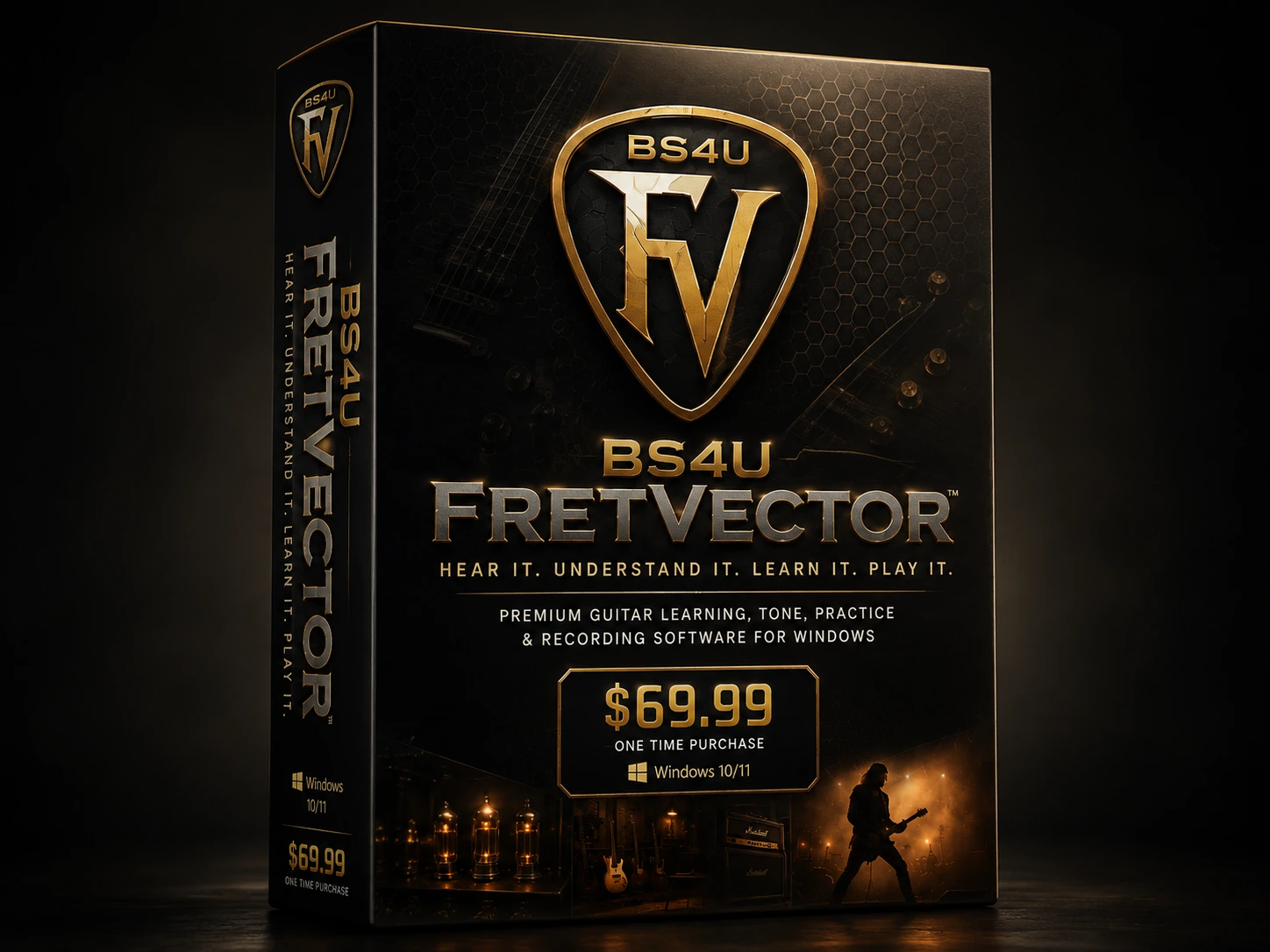
FretVector combines song analysis, harmony, tablature, fretboard guidance, practice coaching, tone work, jam tools and recording inside one Windows desktop application.
Windows 10/11 x64. Review System Requirements before purchase. Online account activation, AI services and YouTube references require internet access.
Analyze the song, understand the progression, create/follow tab, map the fretboard and build a practice plan.
Calibrate the input, use Tone Match and carry the chosen tone into practice and recording.
Use Jam Mode, count-in and metronome tools while preserving the active song context.
Capture dry and wet guitar, manage takes and export your work.
Use the built-in manual and 36-video lesson library without leaving the FretVector site.
Get installation, licensing, audio, workflow and online-service troubleshooting through the Support Center.